Apple in Juneannouncedthat macOS High Sierra will come with the newApple File System(APFS) on allsupported Macsfollowing its debut on iOS, watchOS and tvOS last year.
It’ll replace the dated HFS+ and users won’t be able to opt-out of the transition to APFS, according to a new support document for system administrator that waspublishedrecently on Apple’s website, as firstnotedWednesday by The Loop’s Dave Mark.

APFS is the default file system in macOS High Sierra for Mac computers with all flash storage.
This is what happens when you upgrade to macOS High Sierra:
If your Mac is using CPU-intensive FileVault encryption, those volumes will be converted from HFS+ to APFS just like unencrypted ones. The document also outlines APFS compatibility:
For example, a USB device formatted as APFS can be read by a Mac running macOS High Sierra, but not by a Mac running OS X El Capitan or earlier.
If you use Windows on your Mac desktop or notebook via Boot Camp, you won’t see any changes after upgrading to macOS High Sierra unless your Boot Camp volume is greater than three terabytes and resides on a Fusion Drive. That’s because Boot Camp in macOS High Sierra doesn’t yet support read/write operations to APFS-formatted Mac volumes.
If you use macOS’s File Sharing feature, keep in mind that APFS-formatted volumes don’t support share points over the network using the Apple Filing Protocol (AFP). SMB and NFS shares are supported when using APFS, according to the support document.
The option to enforce only SMB-encrypted share points is also available.
“After you upgrade your Mac and convert to APFS, you won’t need to make any changes to Time Machine settings,” Apple notes. “Any Time Machine share points must be shared over SMB instead of AFP.”
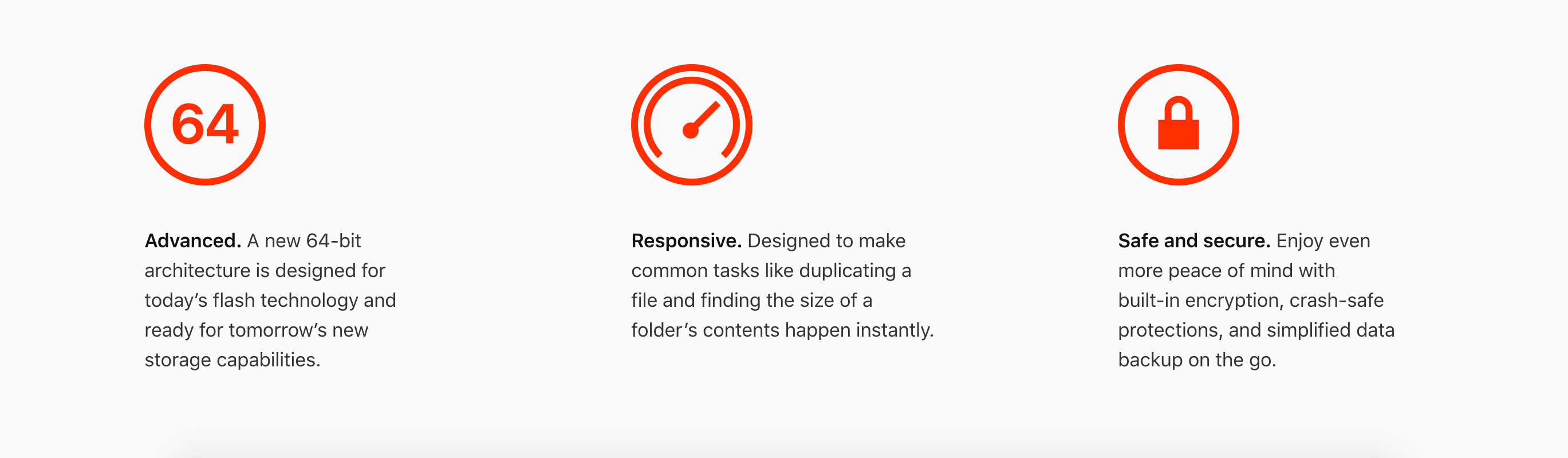
APFS is designed to make transferring files from one place to another faster.
Whether you’re transferring files to an external device or to another folder on your Mac, the speed differences is going to be very noticeable. Certain operations such as duplicating a file or getting a folder’s size are practically instantaneous.
For example, duplicating a 1-gigabyte file happens as soon as you choose the Duplicate command in the Finder. In addition to performance improvements, APFSarguably has better security, too, giving you more peace of mind in transferring files from one device to another.
APFS has been written from scratch and is optimized for fast flash storage performance.
Not only does it feature built-in encryption, but supports a number of advanced features such as copy-on-write metadata, space sharing, cloning for files and directories, snapshots, fast directory sizing, atomic safe-save primitives and improved file system fundamentals.
Are you looking forward to transitioning your Mac to APFS this fall?
